New Year Sale Special - Limited Time 70% Discount Offer - Ends in 0d 00h 00m 00s - Coupon code: sntaclus

You need to configure just in time access to meet the technical requirements.

What should you use?

A.

entitlement management

B.

Azure AD Privileged Identity Management (PIM)

C.

access reviews

D.

Azure AD Identity Protection

Note: This question is part of a series of questions that present the same scenario. Each question in the series contains a unique solution that might meet the stated goals. Some question sets might have more than one correct solution, while others might not have a correct solution.

After you answer a question in this section, you will NOT be able to return to it. As a result, these questions will not appear in the review screen.

Your network contains an on-premises Active Directory domain named contoso.com. The domain contains the users shown in the following table.

The domain syncs to an Azure AD tenant named contoso.com as shown in the exhibit. (Click the Exhibit tab.)

User2 fails to authenticate to Azure AD when signing in as user2@fabrikam.com.

You need to ensure that User2 can access the resources in Azure AD.

Solution: From the Microsoft Entra admin center, you assign User2 the Security Reader role. You instruct User2 to sign in as user2@contoso.com.

Does this meet the goal?

A.

Yes

B.

No

You need to configure the Office 365 service status notifications and limit access to the service and feature updates. The solution must meet the technical requirements.

What should you configure in the Microsoft 365 admin center? To answer, select the appropriate options in the answer area.

NOTE: Each correct selection is worth one point.
You need to configure Azure AD Connect to support the planned changes for the Montreal Users and Seattle Users OUs.

What should you do?

A.

From the Microsoft Azure AD Connect wizard, select Customize synchronization options.

B.

From PowerShell, run the Add-ADSyncConnectorAttnbuteinclusion cmdlet.

C.

From PowerShell, run the start-ADSyncSyncCycle cmdlet.

D.

From the Microsoft Azure AD Connect wizard, select Manage federation.

You need to ensure that Admin4 can use SSPR.

Which tool should you use. and which action should you perform? To answer, select the appropriate options m the answer area.

NOTE: Each correct selection is worth one point.

You need to ensure that the Microsoft 365 incidents and advisories are reviewed monthly.

Which users can review the incidents and advisories, and which blade should the users use? To answer, select the appropriate options in the answer area.

NOTE: Each correct selection is worth one point.
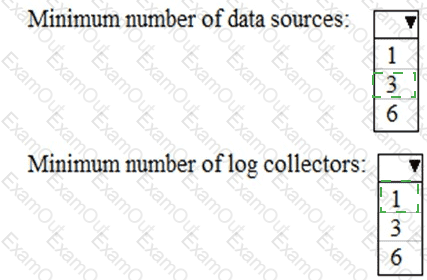
You are evaluating the use of multi-factor authentication (MFA).

For each of the following statements, select Yes if the statement is true. Otherwise, select No.

NOTE: Each correct selection is worth one point.
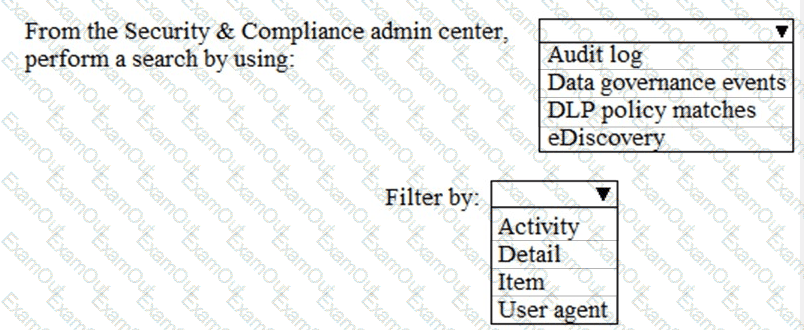
Which report should the New York office auditors view?

A.

DLP policy matches

B.

DLP false positives and overrides

C.

DLP incidents

D.

Top Senders and Recipients

You need to recommend a solution for the security administrator. The solution must meet the technical requirements.

What should you include in the recommendation?

A.

Microsoft Azure Active Directory (Azure AD) Privileged Identity Management

B.

Microsoft Azure Active Directory (Azure AD) Identity Protection

C.

Microsoft Azure Active Directory (Azure AD) conditional access policies

D.

Microsoft Azure Active Directory (Azure AD) authentication methods

You need to configure the compliance settings to meet the technical requirements.

What should you do in the Microsoft Endpoint Manager admin center?

A.

From Compliance policies, modify the Notifications settings.

B.

From Locations, create a new location for noncompliant devices.

C.

From Retire Noncompliant Devices, select Clear All Devices Retire State.

D.

Modify the Compliance policy settings.